


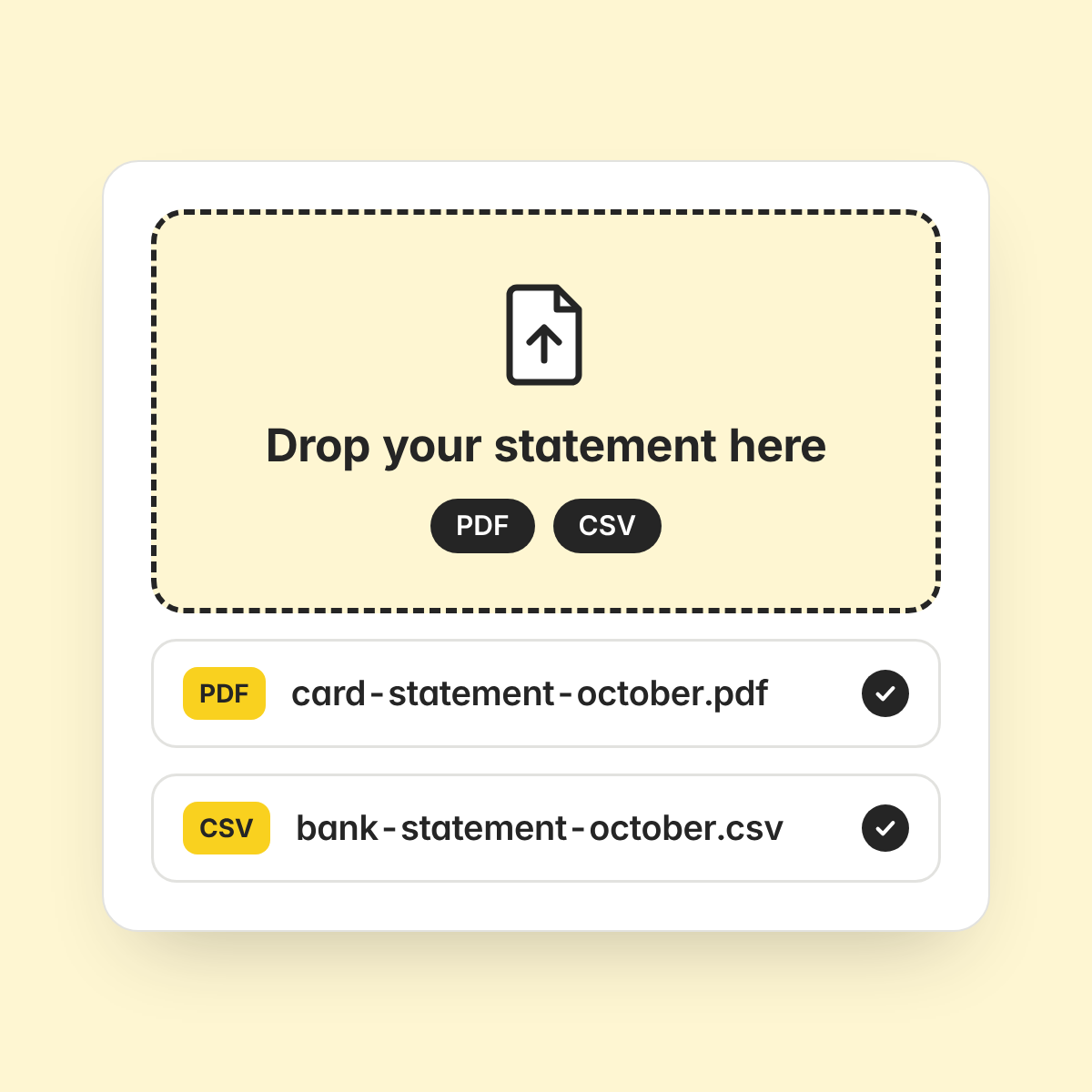
Upload the statement
Upload a credit card or bank statement as a PDF or CSV. There is no bank connection to set up.
Matched automatically
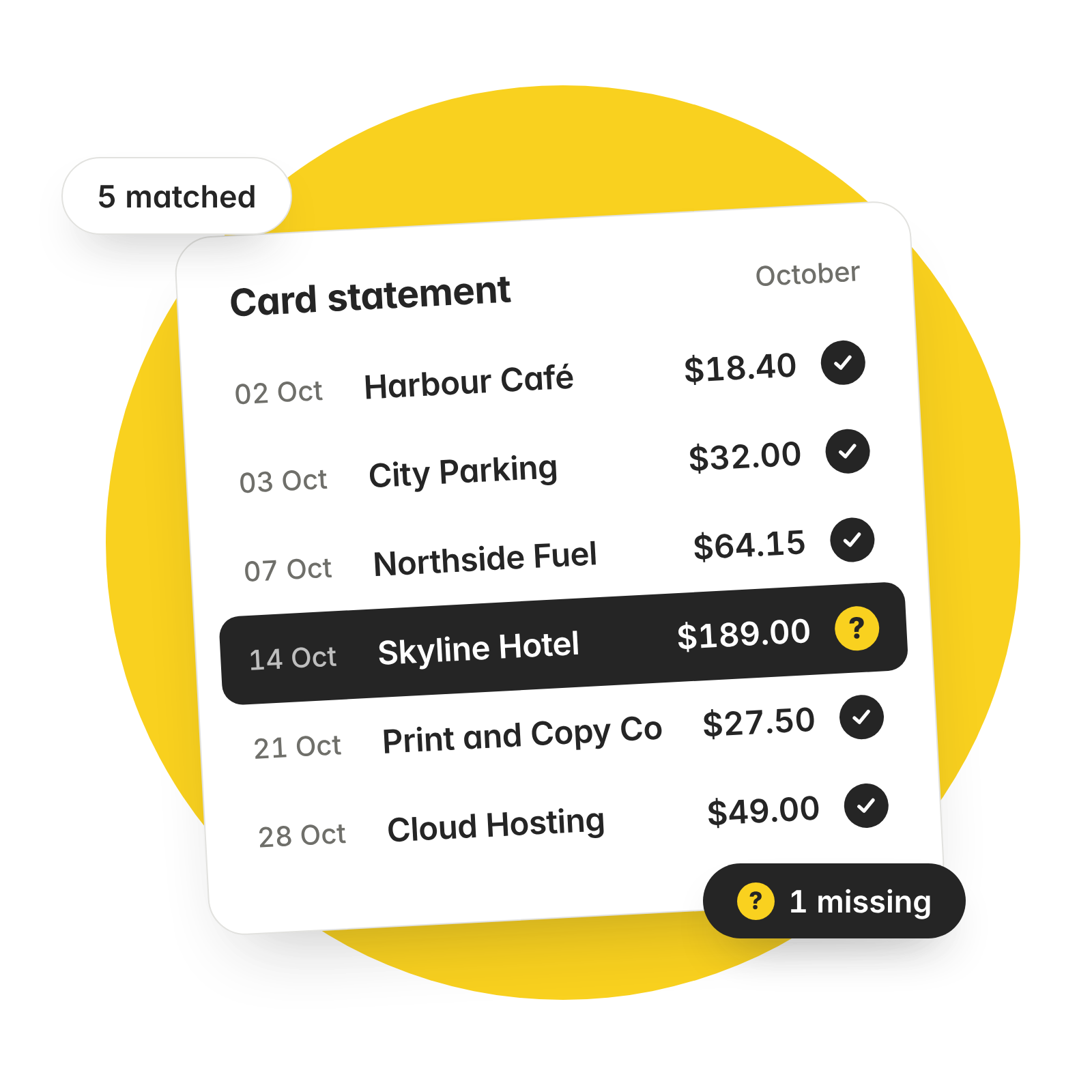
ExpenseMonkey matches each statement line to the expenses your team has already submitted.
Missing ones highlighted
Statement lines with no matching expense are highlighted, so you know exactly what to chase.
Reconciliation starts with the statement you already have. Upload your credit card or bank statement as a PDF or CSV and the matching starts from there.
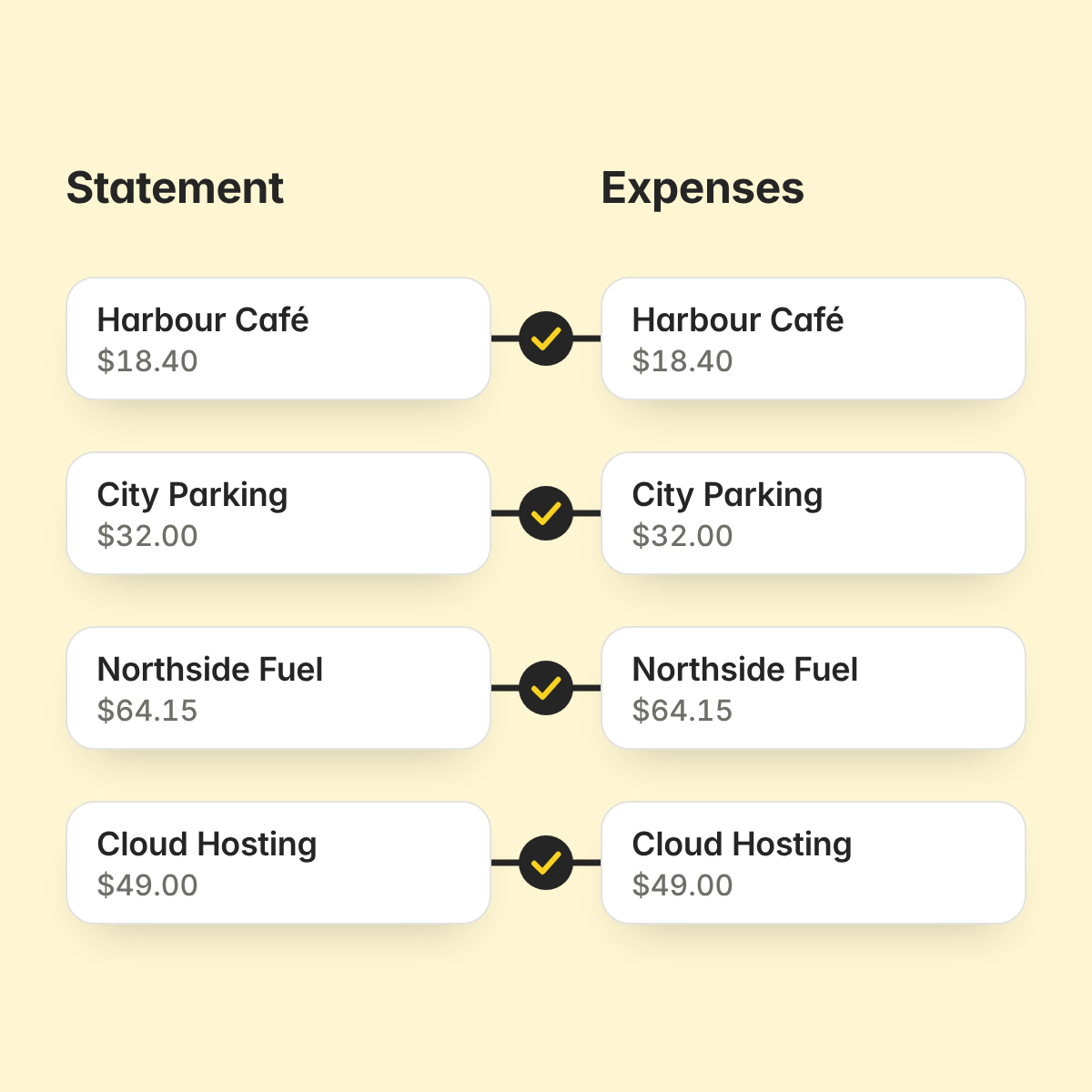
ExpenseMonkey compares the statement with your expenses and pairs them up for you. Nobody has to tick off a statement line by line.
Statement lines matched to expenses automatically
Works with PDF and CSV statements
Unmatched lines stand out
A charge with no matching expense is highlighted. You see which expenses are still missing before the books close.
ExpenseMonkey is an expense management app for small businesses that scans receipts, routes approvals and syncs approved expenses to Xero and QuickBooks.
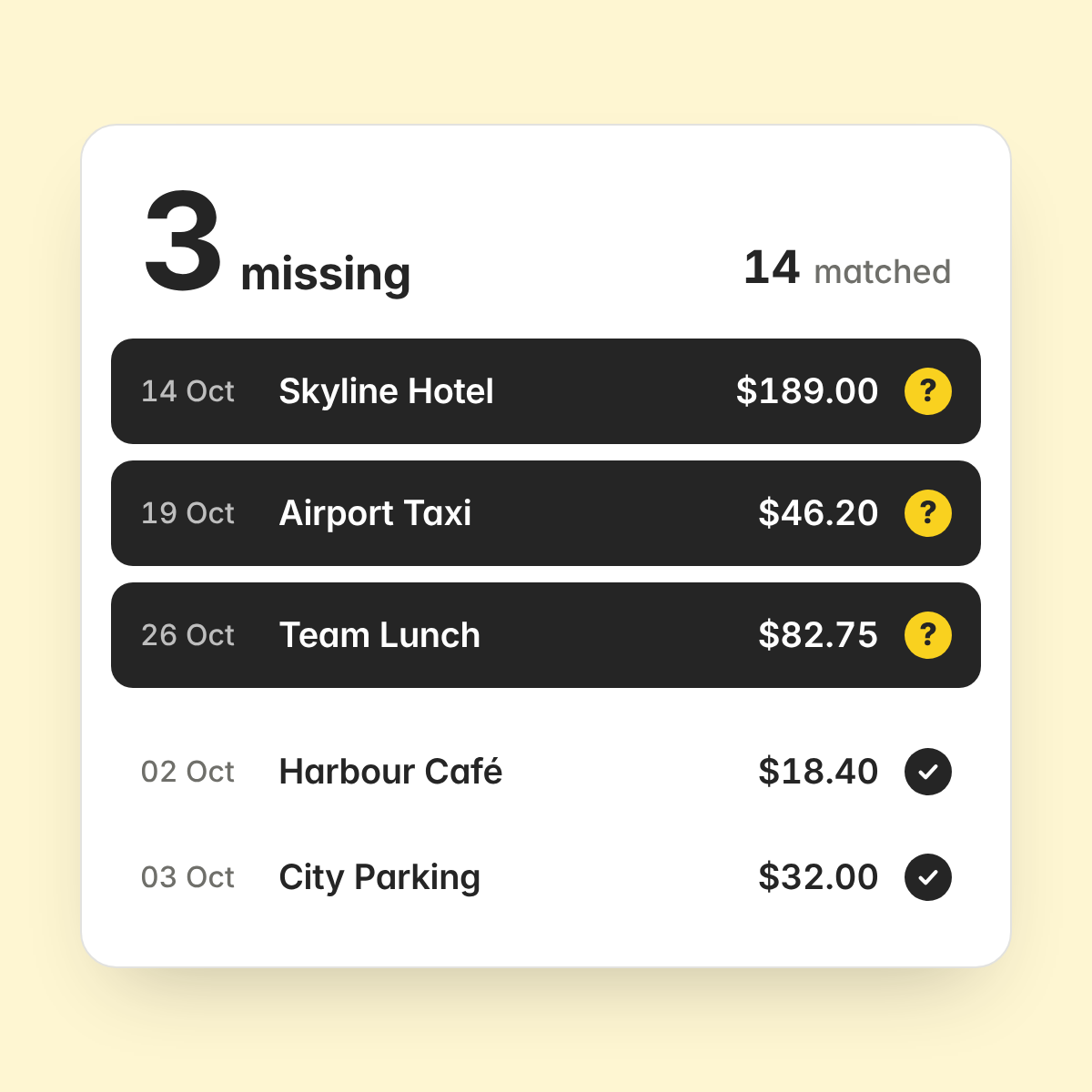
Credit card reconciliation means checking that every charge on a card statement has a matching expense record. It shows which charges are still missing an expense.
You upload a credit card or bank statement. ExpenseMonkey matches each line to your expenses and highlights the lines with no matching expense.
A credit card statement or a bank statement, as a PDF or a CSV file.
No. Reconciliation works from a statement you upload.
ExpenseMonkey highlights them, so you can see which expenses are missing and follow up.
All of them. It is included in the free Light plan and in Pro, which costs $4.99 per seat per month, billed yearly.
Upload a statement and see what is matched and what is missing. It is in every plan, including the free one.
