


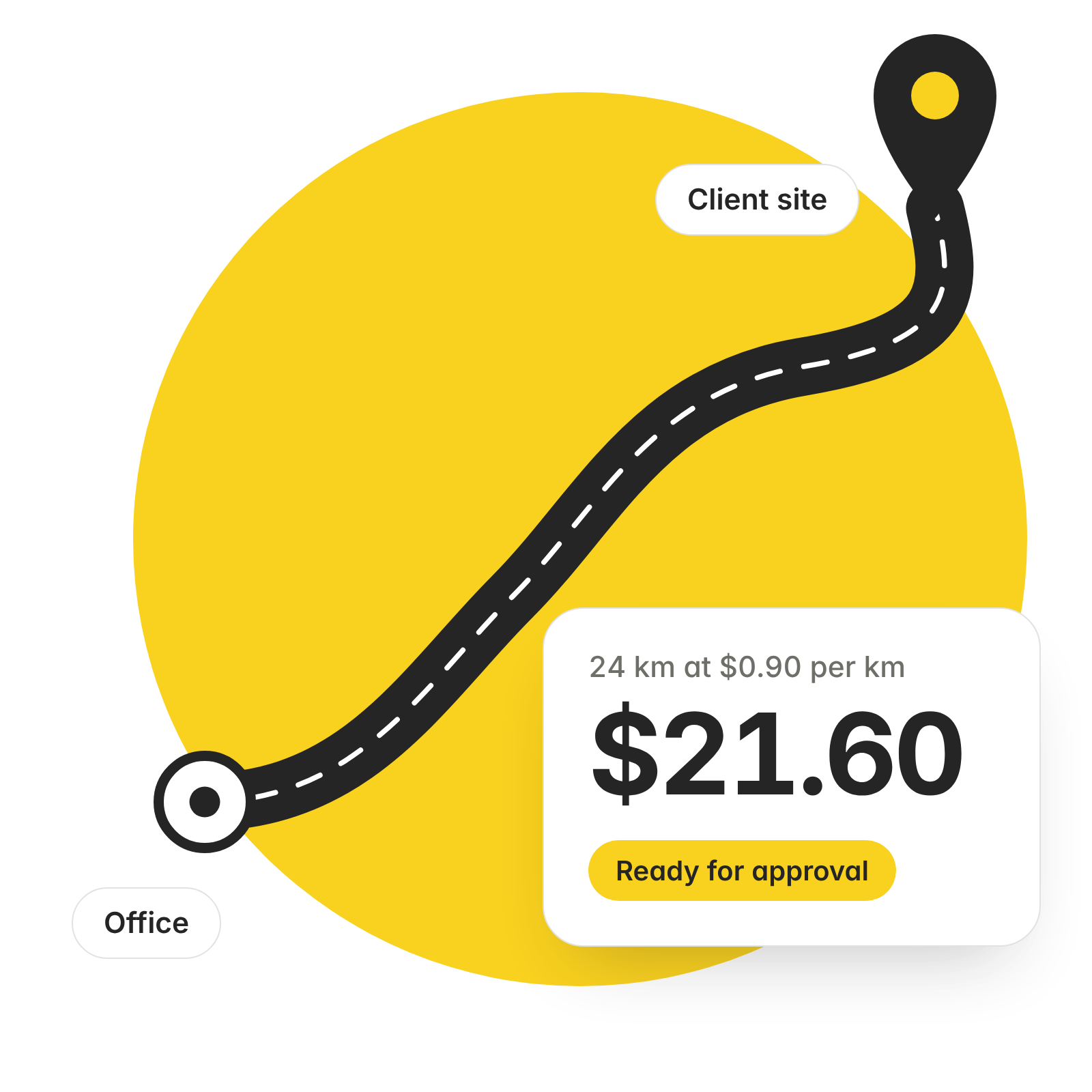
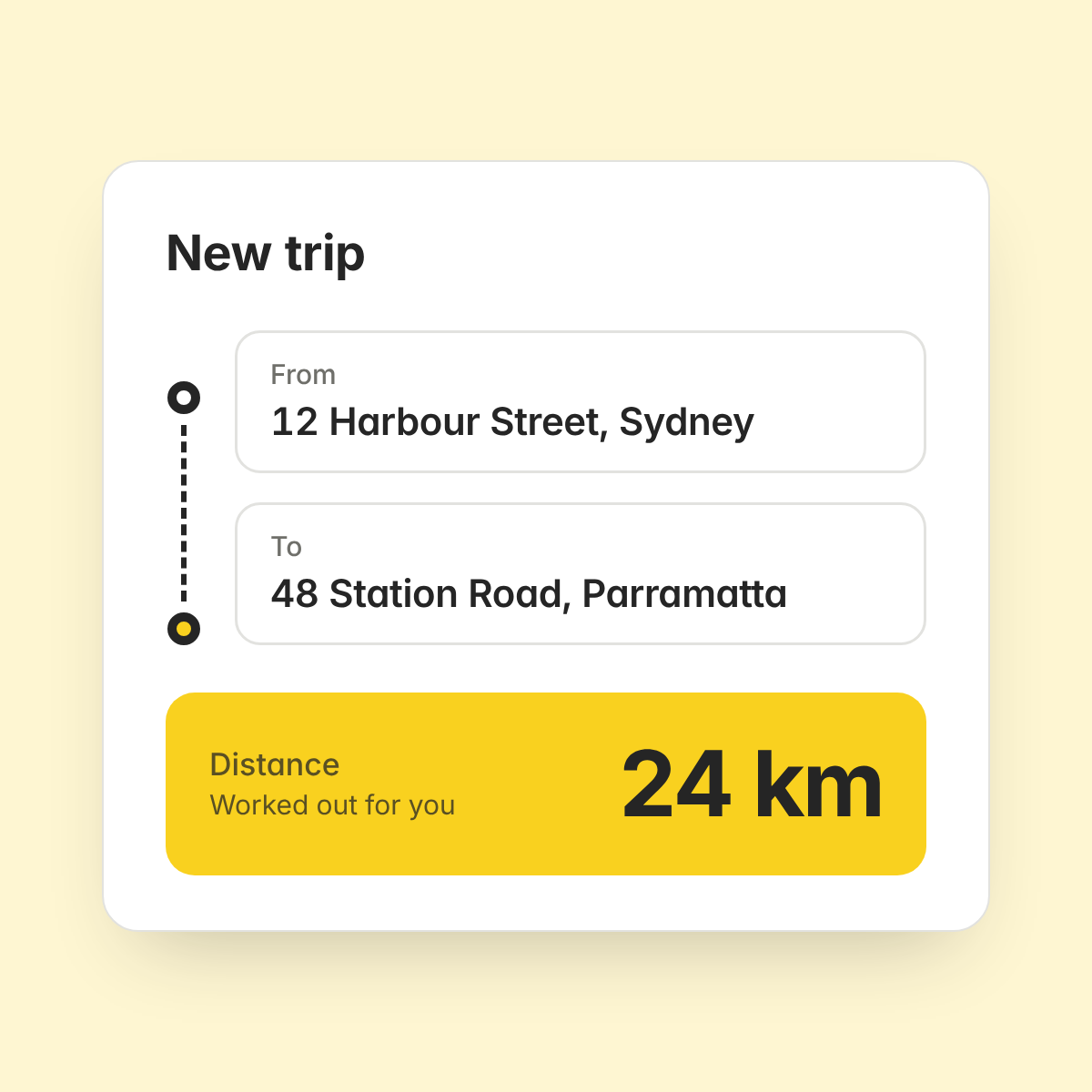
Distance worked out for you
Type the start and end address of a trip. ExpenseMonkey calculates the distance, so nobody has to check a map.
Your rate, your policy
Set your company's mileage rate once. Every trip is calculated at that rate.
Approved, reimbursed, synced
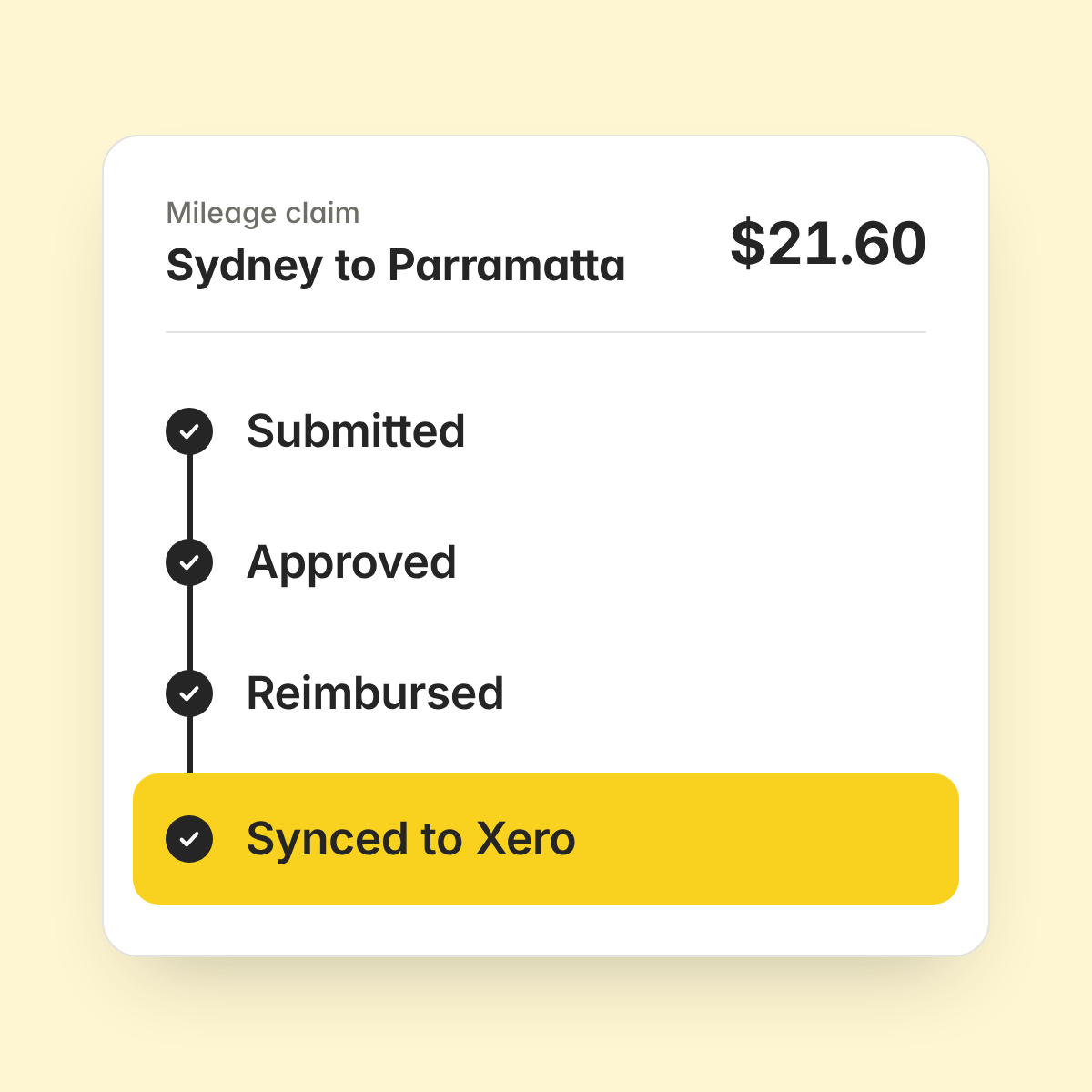
A mileage claim goes for approval and reimbursement, then syncs to Xero or QuickBooks like any other expense.
Enter the start address and the end address. ExpenseMonkey works out the distance between them, so nobody has to measure the route on a map or copy numbers into a spreadsheet.
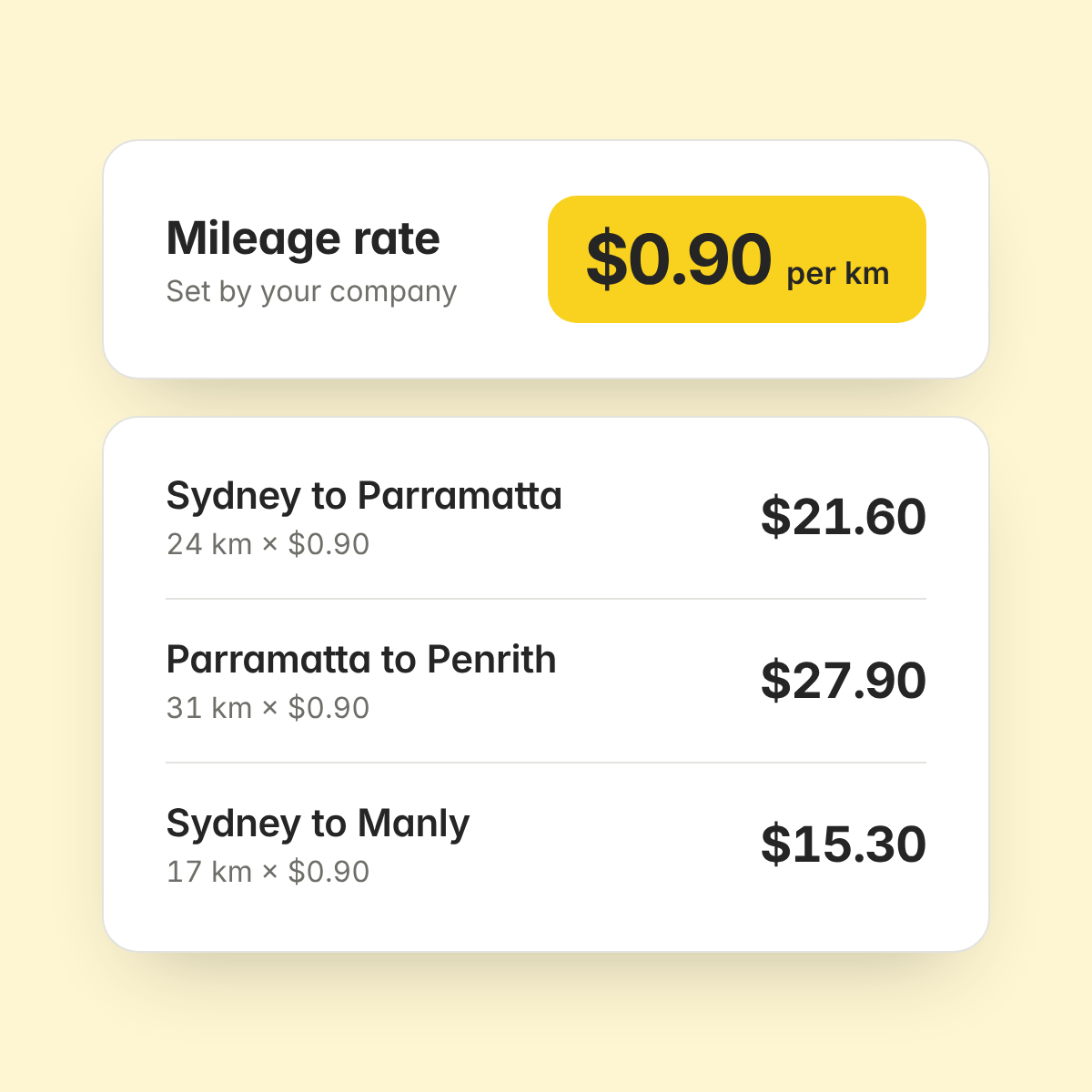
Set the mileage rate your company pays. ExpenseMonkey multiplies the distance by that rate, so every claim follows the same rule.
You set the rate
Distance times rate, calculated for you
The same calculation for every trip
Each mileage claim goes for approval and then reimbursement, the same way a receipt does. Approved claims sync to Xero or QuickBooks, so nobody types them in again.
ExpenseMonkey is an expense management app for small businesses that scans receipts, routes approvals and syncs approved expenses to Xero and QuickBooks.
You enter the start and end address of a trip. ExpenseMonkey works out the distance and multiplies it by your company's mileage rate.
Yes. You set your company's rate, and every trip is calculated at that rate.
Yes. Approved mileage claims sync to Xero and QuickBooks like other approved expenses. Accounting sync is on the Pro plan and availability varies by country.
The free ExpenseMonkey mileage tracker shows official tax rates for 2025 and 2026. Check the rate with your tax authority, then set it as your company rate.
All of them. Mileage tracking is included in the free Light plan and in Pro, which costs $4.99 per seat per month, billed yearly.
Yes. A mileage claim goes for approval and reimbursement, like any other expense in ExpenseMonkey.
Enter two addresses and get the amount at your company's rate. Mileage tracking is in every plan, including the free one.
